Endpoints to give you complete visibility into your campaign performance and team activity

Analytics endpoints are now live in our API! Four new ways to pull your campaign data.
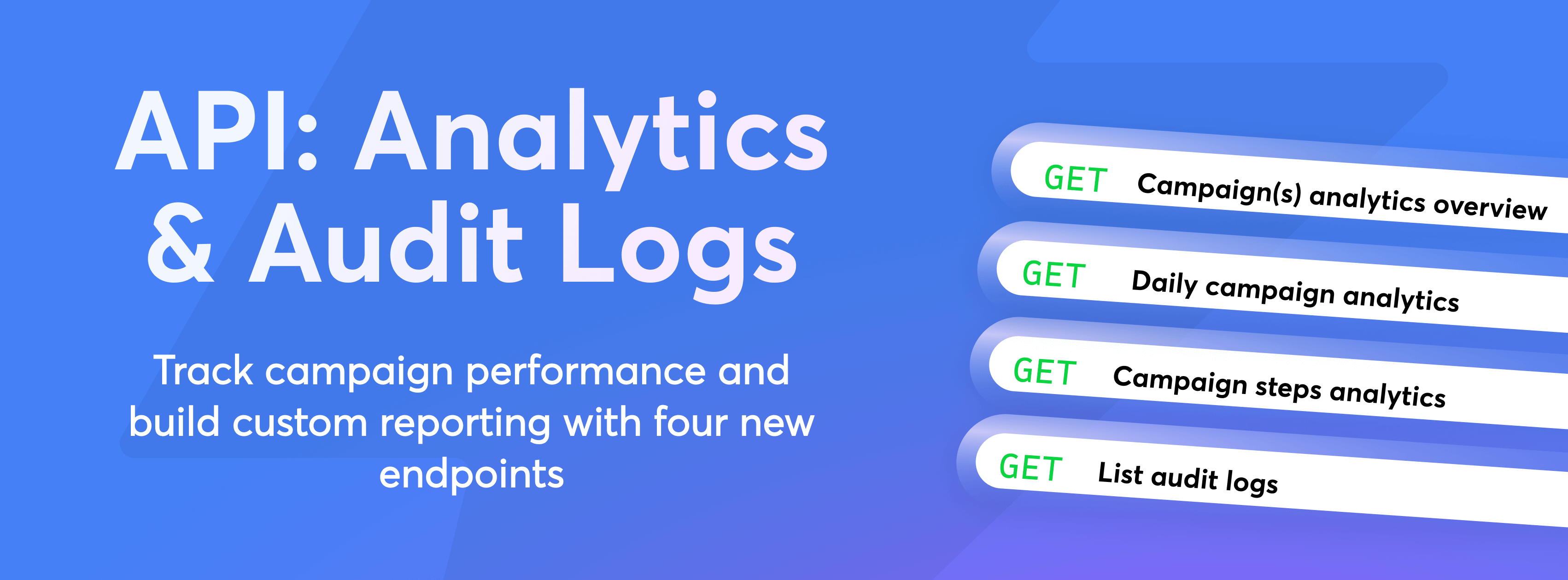
Now you can:
Get campaign(s) analytics overview - returns an overview (a sum) of all the analytics over all the campaigns (or a specific list of campaigns), including the number of leads with the interested, meeting booked, meeting completed, and closed statuses: https://developer.instantly.ai/api/v2/analytics/getcampaignanalyticsoverview
Get daily campaign analytics - returns the number of sent, opened, replies, etc., grouped by day. This would allow you to create charts as the ones you see in our app: https://developer.instantly.ai/api/v2/analytics/getdailycampaignanalytics
Get campaign steps analytics: returns the number of sent, opened, replies, etc, per STEP and VARIANT. It gives you a better understanding of the steps and variant performance: https://developer.instantly.ai/api/v2/analytics/getdailycampaign%20analytics
List audit logs: allows you to pull the audit logs through the API: https://developer.instantly.ai/api/v2/auditlog/listauditlog
What other endpoints would you like to see?
Let us know in our dedicated API Slack channel!